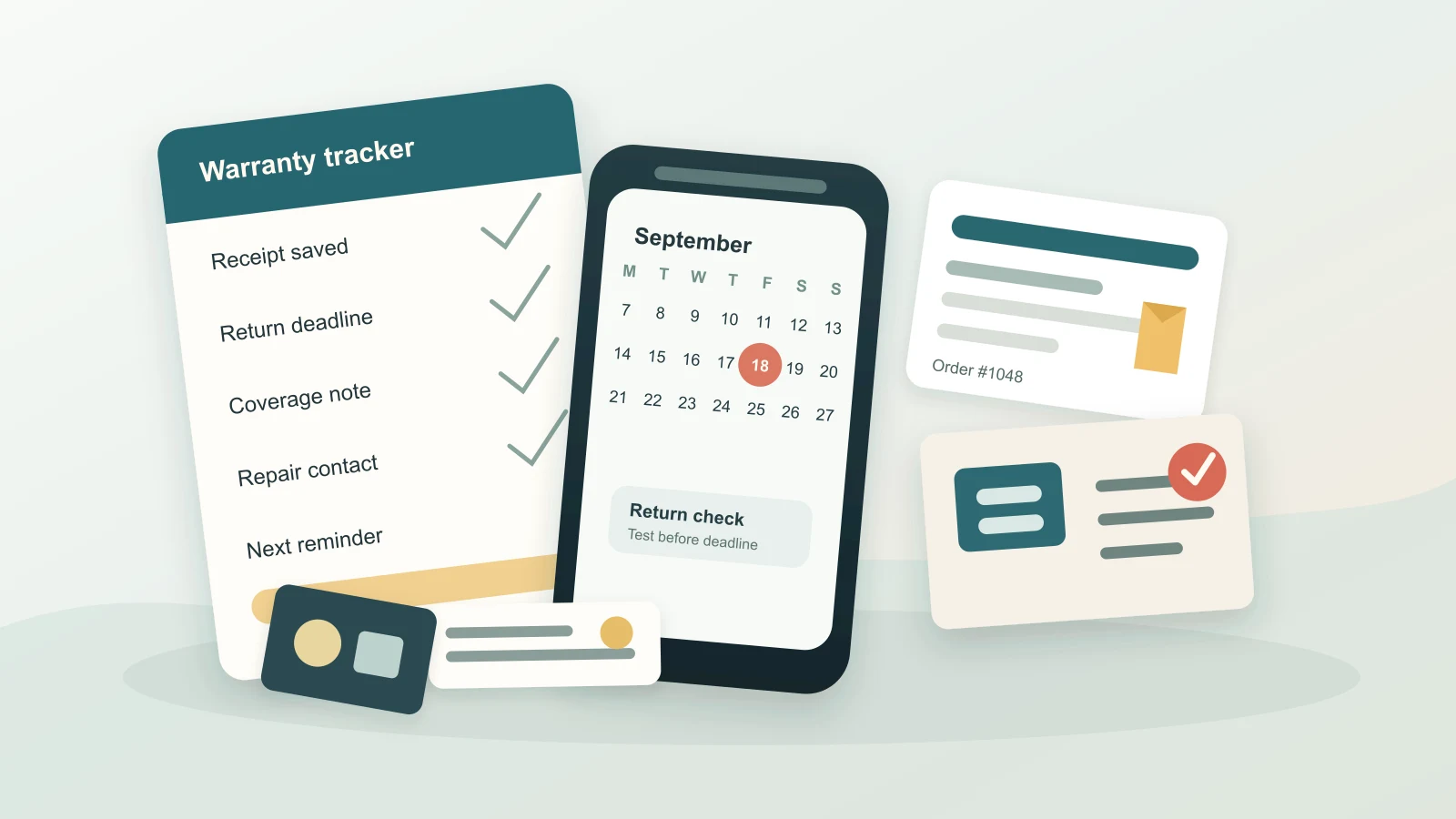
Most people do not lose money because they forgot what they bought. They lose money because the proof, deadline, and next step are scattered. A receipt sits in email, the warranty card stays in the box, the return window closes, and a repair that might have been covered becomes another unplanned expense.
A warranty tracker budget gives purchases an aftercare system. It helps you know which items still have return options, which ones may have repair coverage, and which ones should simply move into your normal repair or replacement plan.
The goal is not to chase every small receipt forever. The goal is to protect the purchases large enough to matter.
Choose which purchases deserve tracking
Start by narrowing the list. A warranty tracker is useful only if it stays small enough to maintain.
Track items that are:
- expensive enough that a failed return or repair would hurt
- connected to work, school, transport, health, or household basics
- likely to need parts, service, setup help, or replacement accessories
- bought with a return window you may realistically use
- covered by a manufacturer, retailer, card, or service plan you already paid for
Good examples include phones, laptops, appliances, furniture, tools, glasses, luggage, baby gear, home office equipment, and higher-cost household electronics. You do not need the same process for every low-cost purchase. If tracking the receipt would cost more attention than the item is worth, let it go.
Capture the proof immediately
Warranty and return decisions usually depend on proof. If the proof is hard to find, you may give up before checking your options.
For each tracked purchase, save:
- receipt or invoice
- order number
- purchase date
- store or seller
- item name, model, serial number, or size
- payment method
- return deadline
- warranty length and support contact
- notes about accessories, delivery, installation, or setup
Keep this in one place: a notes app, cloud folder, spreadsheet, or document organizer. The format matters less than being able to find it quickly. A simple file name like 2026-09-headphones-receipt.pdf is better than a downloaded receipt with random numbers.
If you use Furt Money to categorize spending, update the transaction note for big purchases with the return deadline or where the receipt is stored. That small note can connect the spending record to the document you need later.
Separate returns from warranties
Returns and warranties solve different problems. Mixing them together can create confusion.
A return window is usually for deciding whether the purchase should stay in your life. Maybe the item does not fit, the feature you needed is missing, or the purchase was not worth the cash flow pressure.
A warranty is usually for problems after you keep the item. It may help with defects, repairs, parts, or service, depending on the terms. It is not a guarantee that every issue will be free, fast, or covered.
Use two separate deadline fields:
- Return decision date: the last day you want to decide whether to keep it
- Warranty review date: a reminder before coverage ends or before a known issue gets worse
This keeps you from treating a warranty as a second return window. It also helps you act earlier, while you still have more options.
Add a short decision check after purchase
Many missed returns happen because the item sits unused until the deadline is gone. Build a small review into the first week or two after buying anything important.
Ask:
- Have I opened and tested the item?
- Does it do the job I bought it for?
- Are any parts, accessories, or setup steps missing?
- Did the total cost still fit the budget after delivery, taxes, add-ons, or installation?
- Would I buy this again if I were deciding today?
If the answer is no, decide quickly. Returning an item on time is often easier than repairing regret later. If the answer is yes, move the purchase out of active review and keep only the warranty details.
Plan for uncovered costs
A warranty tracker should not make your budget depend on coverage. Some problems may be excluded. Some repairs may involve shipping, diagnostic fees, replacement parts, downtime, or the cost of buying a temporary backup.
Add a practical budget note for important items:
- What would I do if this failed next month?
- Is there a deductible, shipping fee, or service visit cost?
- Would I need a backup while waiting?
- Is repair realistic, or would replacement be more likely?
- Which budget category would pay if coverage does not apply?
This is where warranty tracking connects to everyday expense management. The tracker shows possible protection. The budget shows what happens if that protection does not solve the full problem.
Use reminders before the deadline
Deadlines should not live only in a receipt folder. Put them somewhere that interrupts you before it is too late.
Use simple reminders:
- Three days before a short return window ends
- Two weeks before a bigger return or trial period ends
- One month before a paid protection plan renews
- Two months before coverage ends on an essential item
- A review date when the item has started showing warning signs
The reminder should say what action to take, not just the date. “Test printer and decide keep or return” is more useful than “printer deadline.” Clear reminders reduce the chance that you dismiss them because you cannot remember what they mean.
Review paid protection plans carefully
Some protection plans are useful for certain people and unnecessary for others. The budget question is not whether protection sounds comforting. It is whether the cost, terms, and likely use make sense for your situation.
Before buying or renewing a plan, ask:
- What problems are actually covered?
- What is excluded?
- How long does coverage last?
- Is there a deductible, service fee, shipping cost, or claim limit?
- Would I be comfortable paying for a repair myself instead?
- Does the plan duplicate coverage I already have elsewhere?
- Is this item essential enough to need faster support?
Avoid buying protection only because the checkout screen made the purchase feel risky. Pause long enough to compare the plan cost with the repair or replacement buffer you are already building.
Clean up the tracker monthly
A warranty tracker works best when old items do not crowd the useful ones.
Once a month, take ten minutes to:
- close items you returned, replaced, or decided to keep
- delete low-value receipts you no longer need
- confirm upcoming return and warranty dates
- move covered items with ongoing issues to a repair watch list
- update your repair or replacement fund for items aging out of coverage
- note any category where large purchases keep surprising you
This review can sit next to your regular spending check. If you notice that electronics, home supplies, clothing, or baby gear keeps creating return decisions, that category may need a clearer rule before checkout.
Keep protection practical
A warranty tracker budget is a quiet way to stop purchases from becoming unfinished tasks. Save the proof, separate return dates from warranty dates, test important items early, and set reminders that tell you what to do.
Start with one recent purchase that would be annoying or expensive to replace. Find the receipt, write the return deadline, add the warranty detail, and set one reminder. That is enough to turn a messy pile of purchase information into a decision you can actually use.