Things rarely break at a convenient time. A laptop slows down during a work deadline. A washing machine starts making noise right after rent is paid. A phone battery fades slowly, then suddenly stops lasting through the day.
Without a plan, the decision can feel binary: pay for a repair immediately or replace the item in a hurry. A repair or replace budget gives you a calmer middle step. It helps you compare cost, useful life, timing, and cash flow before one broken item turns into a budget emergency.
The goal is not to make every choice perfectly. The goal is to have a repeatable decision rule before stress starts making the decision for you.
Start with the item’s real job
Before looking at prices, write down what the item actually needs to do for your life right now.
A phone might need to support work calls, maps, banking, family messages, and two-factor login. A car might need to get you to work, school pickup, medical appointments, and groceries. A laptop might need to handle remote work, study, job applications, or basic household admin.
This matters because replacement pressure often grows when the item is annoying, not truly unusable. A scratched appliance, older device, or imperfect piece of furniture may still do its core job. Another item may look fine but fail at something essential.
Ask:
- What would become harder if this stopped working tomorrow?
- Is the problem cosmetic, inconvenient, unreliable, or unsafe?
- Does the item support income, caregiving, health, transport, or basic home function?
- Could a smaller fix restore the part of the item that matters most?
When the real job is clear, you can spend according to need instead of frustration.
Estimate the repair path first
Even if you suspect replacement is coming, price the repair path before deciding.
For each repair option, list:
- The diagnostic fee, service call, parts, labor, delivery, or shipping cost
- Whether the repair has a short warranty or follow-up support
- How long the item may be unavailable
- Whether the fix solves the main problem or only delays it
- Any extra costs, such as transport, backup equipment, or missed work time
Avoid comparing only the repair quote with the cheapest replacement you can find. The real comparison is repair cost plus inconvenience against replacement cost plus setup, accessories, disposal, delivery, protection plans, and time.
If you track expenses in Furt Money, review past spending for the same category. Repairs, replacement parts, service visits, accessories, and small add-ons may be scattered across household, transport, tech, or shopping. Pulling them into one view makes the decision more honest.
Compare replacement cost beyond the sticker price
Replacement spending often grows after the main purchase. A new phone may need a case, charger, transfer help, or insurance decision. A new appliance may need delivery, installation, hoses, disposal, or a changed utility setup. A new laptop may need software, storage, cables, or a few paid services.
Before replacing, write a full replacement number:
- Purchase price
- Delivery, setup, installation, or activation
- Accessories or required add-ons
- Disposal, recycling, or haul-away
- Short-term backup costs while waiting
- Any financing fees, interest, or subscription changes
- A small cushion for overlooked costs
Then ask whether the replacement solves a current problem or simply feels cleaner than dealing with the repair. Sometimes replacing is the right choice. Other times, a smaller repair gives you enough time to save for a better replacement later.
Use a simple decision rule
A decision rule helps you avoid starting from scratch every time something breaks. You can adjust the rule to fit your income, risk tolerance, and household needs.
Try this plain version:
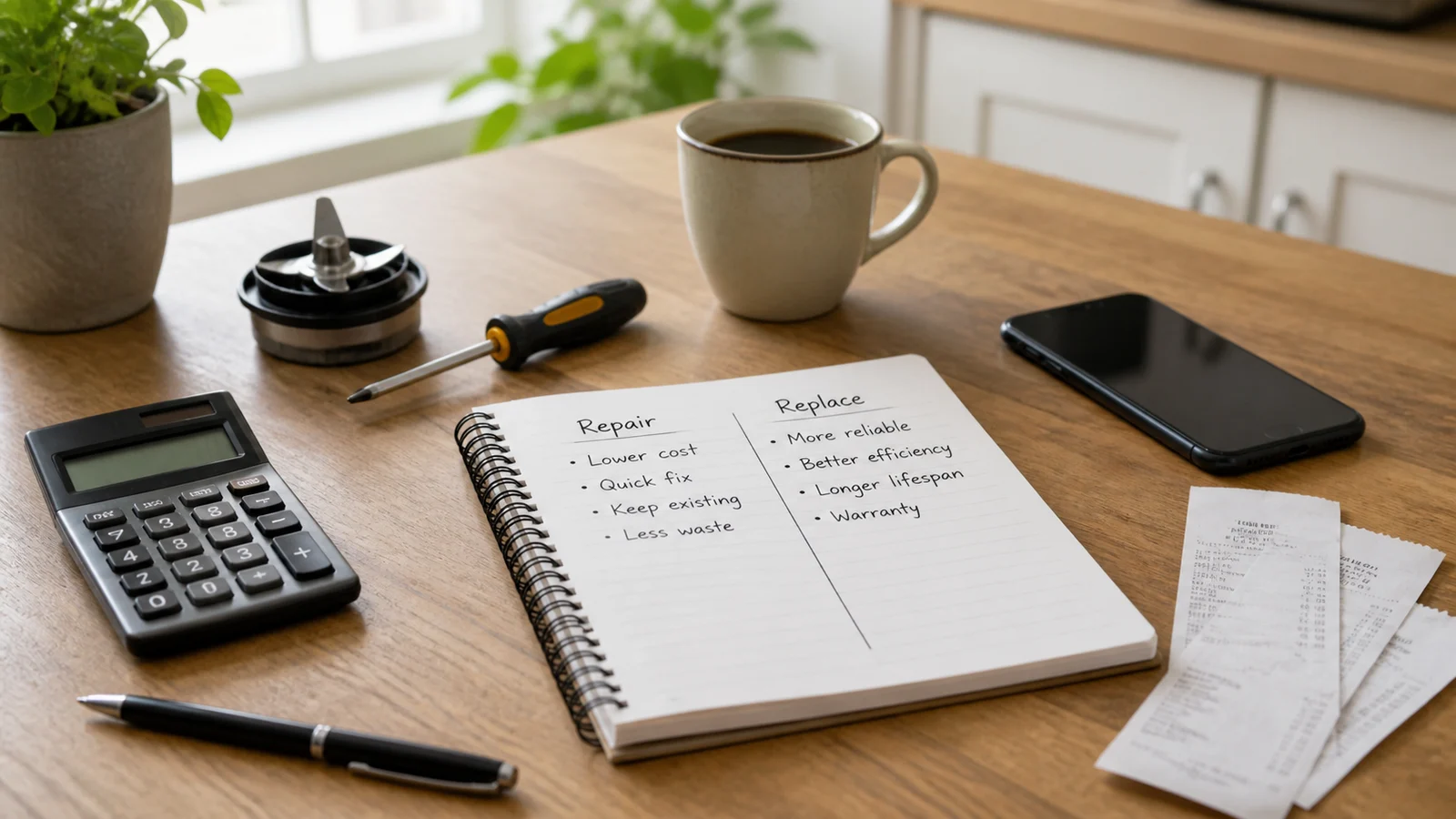
- Repair when the item is otherwise useful, the repair is affordable from current cash or a sinking fund, and the fix is likely to restore normal use.
- Replace when the item is unreliable after repeated repairs, the repair does not solve the main issue, safety is a concern, or the total cost of keeping it running keeps crowding other priorities.
- Wait when the item still works, the problem is not urgent, and a short saving period would let you choose better.
- Downgrade or simplify when the old item had features you no longer need.
The last option is easy to miss. Replacing does not have to mean buying the newest version of what failed. Your current life may need a dependable basic item more than a premium upgrade.
Build a repair and replacement buffer
You do not need to predict every breakdown. You can still give likely repairs a place in your budget.
Start with one small monthly line called repair and replacement. This is different from a general emergency fund. It is for predictable wear and tear: batteries, tires, appliance parts, small home fixes, device repairs, furniture replacement, and tools that help your household keep running.
If that feels too broad, create two buckets:
- Repairs for smaller fixes that may happen soon
- Replacements for bigger items you can see aging
Review your home, transport, and tech categories for the last year if you have the records. Which items needed attention more than once? Which large purchase would be painful if it failed next month? Start there.
The monthly amount can be modest. A repeatable contribution is better than an impressive number that disappears as soon as the month gets busy.
Decide before the urgency hits
Some items give warning signs before they fail. Use those signals to make decisions while you still have options.
Create a watch list with three columns:
- Item
- Warning sign
- Next decision date
For example, you might list a phone with weak battery life, a laptop that struggles with work tasks, a couch that needs repair, or a refrigerator making new noises. The point is not to replace everything soon. The point is to stop pretending the decision does not exist.
At each decision date, choose one next step:
- Get a quote
- Try a low-cost fix
- Set a savings target
- Compare replacement options
- Keep using the item and review again later
This is where a budget becomes practical. You are not just reacting to bills. You are turning early information into a calmer plan.
Protect the decision from panic spending
Urgency makes upgrades feel more reasonable than they are. When something breaks, you may be tired, embarrassed, worried about work, or eager to make the problem disappear. That is when a repair or replace budget needs guardrails.
Use a short checklist before paying:
- Did I confirm the main problem?
- Did I price at least one repair path?
- Did I include the full replacement cost?
- Is this item essential this week?
- Can I borrow, rent, share, or use a backup briefly?
- Am I choosing features I need, or features that calm the stress of shopping?
- What category or savings bucket will pay for this?
If the item is essential, move quickly but still choose deliberately. If it is not essential, give yourself at least a day before buying. A short pause can separate a real solution from an expensive mood reset.
Review the choice after the money leaves
After the repair or replacement, update your budget so the next decision gets easier.
Record the transaction in the right category. Add any related costs, such as parts, delivery, accessories, or disposal. If the total surprised you, write down what was missing from your estimate.
Then ask:
- Did the repair solve the actual problem?
- Was the replacement level right for my needs?
- Should I start a sinking fund for the next version?
- Did this reveal another category that needs more room?
- Do I need a maintenance reminder to extend the useful life?
This review is not about regret. It is about turning one annoying expense into better data for the next one.
Make the next breakdown less rushed
A repair or replace budget gives broken things a process. Start with the item’s real job, price the repair path, count the full replacement cost, and use a simple rule before urgency takes over.
Pick one item in your home, car, or tech setup that is already showing signs of age. Add it to a watch list, choose a review date, and set aside a small amount this month. The next repair decision will feel less like a surprise and more like something you already started handling.