Money tasks rarely arrive neatly. A bill lands in email. A receipt stays in a coat pocket. A refund is promised after a return. A subscription renewal reminder appears on your phone. A friend says they will pay you back later. None of these details is hard by itself, but together they can create a background hum of money clutter.
A money inbox system gives those details one reliable place to land before you decide what to do with them. It is not a full budget, a filing system, or a financial makeover. It is the front door for your money life: bills, receipts, reminders, follow-ups, and small decisions all go there first.
When the inbox is simple, you stop depending on memory. That alone can make budgeting calmer.
What belongs in a money inbox
A money inbox is for anything that affects your cash flow, spending records, paperwork, or next money decision. If it might become a bill, a refund, a reminder, a budget adjustment, or a document you need later, capture it.
Common examples include:
- unpaid bills and payment notices
- receipts you need to review, return, reimburse, or categorize
- refund confirmations and return tracking numbers
- renewal notices for subscriptions, insurance, memberships, or software
- medical, dental, school, tax, or repair paperwork
- reimbursement requests from work or shared expenses
- reminders to cancel, negotiate, compare, or update a payment method
- notes about cash spending that has not been logged yet
The goal is not to save every scrap of paper forever. The goal is to stop important money details from hiding in five different places.
Choose one physical place and one digital place
Most people need two inboxes: one for paper and one for digital items. More than that can become another mess to manage.
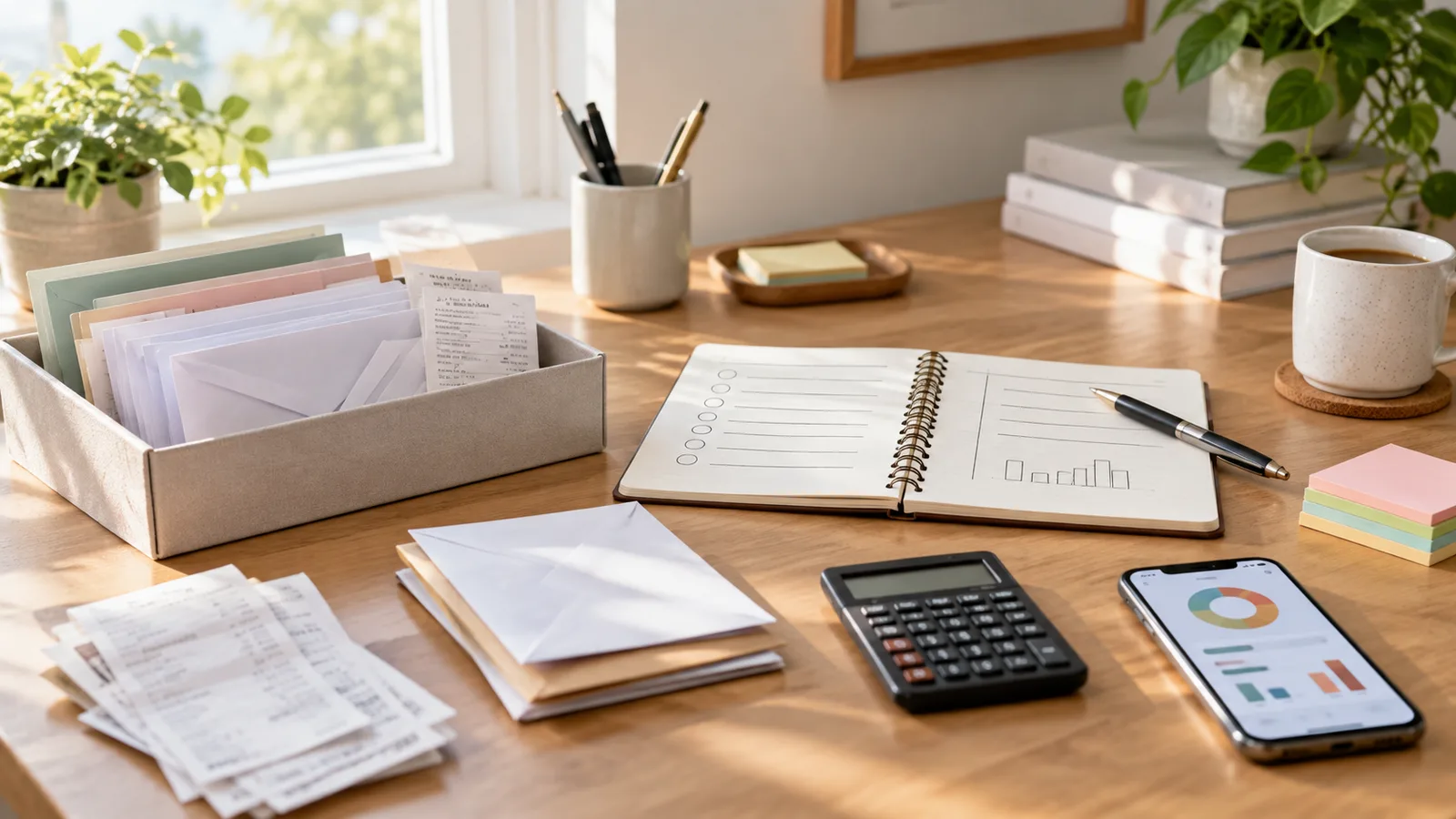
For paper, use something boring and obvious: a tray, folder, envelope, drawer, or small box near where you open mail or empty pockets. Do not make it precious. If the container is too hidden or too formal, you may avoid using it.
For digital items, choose one main capture place. That could be an email folder, notes app, task list, cloud folder, or photo album for receipts. The best choice is the one you will actually use while standing in a store, leaving an appointment, or checking email quickly.
Give each inbox a clear rule: if it affects money and you cannot handle it immediately, it goes there. No judging, sorting, or solving at the capture stage.
Capture first, decide later
A money inbox works because it separates capture from decision-making. When you try to decide everything instantly, you create friction. When there is friction, papers stay on counters and emails stay unread.
Make capture fast:
- Drop paper receipts into the tray before they reach random surfaces.
- Take a photo of a receipt if the paper may fade or get lost.
- Forward finance-related emails into one folder.
- Add a short task when a money action has a deadline.
- Write a quick note for cash spending before you forget the category.
Do not worry about perfect labels during capture. “Dentist receipt,” “refund follow-up,” or “cancel before renewal” is enough. You can clean it up during your review.
If you track spending in Furt Money, the inbox can become a waiting room for items you have not categorized yet. Once a receipt or transaction is reviewed, it can leave the inbox.
Set a review rhythm that is small enough to keep
An inbox is only useful if it gets emptied. The review does not have to be long. In fact, a short review is usually better because you are more likely to repeat it.
Pick one rhythm:
- five minutes every other day
- fifteen minutes once a week
- a quick review before payday
- a Sunday reset with your calendar and budget
During the review, move each item into one of a few outcomes:
- pay it
- record it
- file it
- dispute it
- return it
- follow up
- delete or shred it
Avoid creating too many categories. The inbox should reduce decisions, not multiply them.
Turn unclear items into next actions
Money clutter often sticks because the next step is vague. “Figure out insurance” or “deal with receipt” is too broad. A useful inbox review turns vague items into clear next actions.
Try writing actions as small commands:
- Call the provider and ask why the bill changed.
- Check whether the refund arrived.
- Upload the receipt for reimbursement.
- Compare the renewal price with last year.
- Move the transaction to the correct category.
- Add the annual fee to next month’s budget.
- Save the document in the tax folder.
If an item will take more than a few minutes, schedule the first step instead of trying to finish the whole thing during the review. Progress counts if it makes the next move obvious.
Use deadlines without making everything urgent
Not every inbox item deserves the same attention. A bill due tomorrow matters more than a receipt you only want for your records. A return window matters more than a coupon you might never use.
During review, mark only the items with real timing pressure:
- payment due dates
- return or exchange windows
- reimbursement deadlines
- renewal dates
- dispute time limits
- appointment or repair dates
Put those deadlines somewhere you already look, such as a calendar or task list. Then leave the rest in a calmer queue. Treating every item as urgent makes the system stressful; treating no item as urgent makes it risky.
Keep the archive lighter than the inbox
Once an item is handled, decide whether it needs to be saved. Many receipts can be discarded after they are recorded and no longer needed for returns, reimbursements, warranties, or taxes. Some documents deserve a clear home.
Useful archive folders might include:
- taxes
- insurance
- medical bills
- warranties and repairs
- work reimbursements
- leases and housing
- major purchases
Keep the archive separate from the inbox. The inbox is for unfinished items. The archive is for handled items you may need later. Mixing the two makes old paperwork look like new responsibility.
For paper documents with sensitive information, dispose of them carefully when you no longer need them. For digital files, use names you can search later, such as “2026-09 phone repair receipt” instead of “scan final final.”
Make the system boring on purpose
The best money inbox is not impressive. It is visible, simple, and easy to repeat when life is busy. If you miss a week, the system should still be usable. If your inbox gets full, that is information, not a failure.
When it starts to feel heavy, simplify:
- use fewer folders
- review more often for less time
- delete items that no longer matter
- move deadlines to a calendar
- keep only one paper inbox and one digital inbox
You can also pair the review with another routine, such as checking your budget, planning the next payday, or categorizing recent spending. The less separate the habit feels, the easier it is to keep.
The next step
Choose one physical inbox and one digital inbox today. Then collect every loose bill, receipt, refund note, and money reminder you can find in ten minutes.
Do not solve everything at once. Just gather it. At your next review, handle the quick items, schedule the harder ones, and clear what no longer matters.
A money inbox system gives your budget better inputs. When bills, receipts, and follow-ups have somewhere to go, your money decisions stop depending on memory and start coming from a place you can actually review.