You meant to pay a bill once, but your account now appears to show it twice. Perhaps you pressed submit again after a slow page, paid manually just before autopay ran, or used two different payment methods. Before treating either line as lost money, find out what each line represents. A pending authorization, a posted payment, and a biller credit are not interchangeable.
This duplicate bill payment checklist is for a payment you recognize and intended to make once. If a charge is unfamiliar or you did not authorize it, contact your bank or card issuer through its official channel promptly instead of assuming it is only a billing mistake. Procedures, deadlines, and protections vary by payment method and location.
Confirm whether there are two completed payments
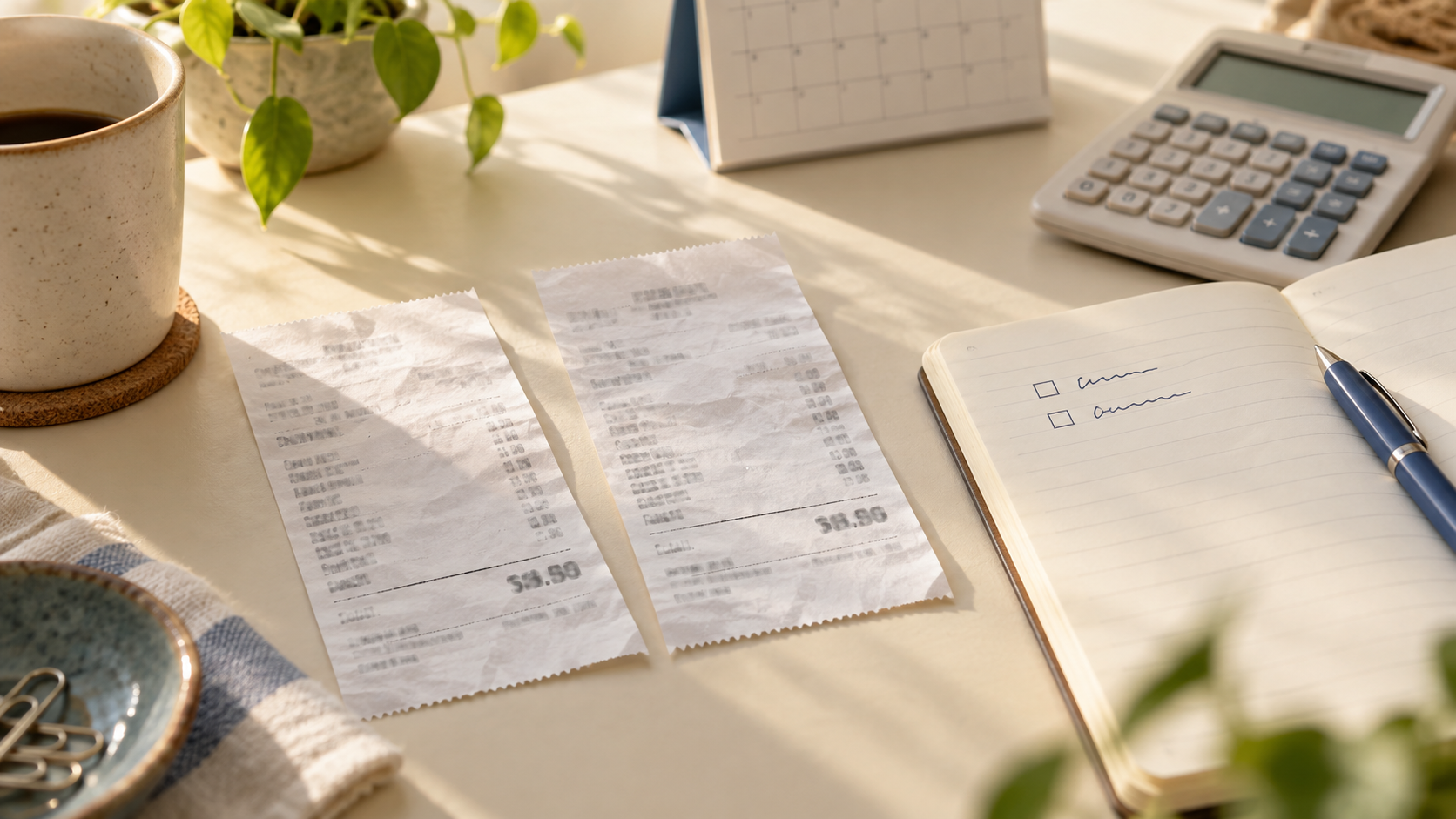
Check the biller’s payment history and the bank or card account used for each attempt. Record the amount, date, method, confirmation number, and status for both entries. A screen that says scheduled or pending may change; a receipt saying submitted does not necessarily mean funds have settled. Ask the biller what its ledger shows if the two histories disagree.
For example, a utility portal might show one posted payment of 90 and another request still processing. Your bank might show one posted debit and one temporary pending item. That is not yet proof of two final debits. Do not send a third payment or count on a reversal until the provider confirms what it will do. Check again at a sensible follow-up point based on the provider’s stated processing window, not by repeatedly pressing pay.
Protect the cash needed before your next payday
If two amounts have actually left your account, treat the second one as unavailable cash for now, even if you expect it back. List the essentials due before your next reliable deposit: housing, food, transport, required payments, and any scheduled withdrawals. Compare them with confirmed available funds, not with an anticipated refund or a biller credit you cannot use elsewhere.
Suppose you had 400 available, a 90 bill paid twice, and 250 of other essentials due before payday. After the two debits, you have 220 available—30 short of that essentials list. A future 90 refund may solve the gap eventually, but it does not pay a bill today. Check whether you can use an existing buffer or adjust a nonessential purchase; if an essential bill is at risk, contact its provider early to discuss the actual options for that account. The figures are illustrative, not a recommended buffer.
Ask the biller which correction is possible
Contact the biller through its official site or statement. Explain that the payment appears twice and give both transaction dates, amounts, methods, and references. Ask these questions separately:
- Were both payments posted to the same account, or is one still pending?
- Can an extra payment be returned to the original payment method? If so, what must you request and when should you check again?
- If the extra amount became an account credit, will it offset a future bill automatically, and when will that show on the statement?
- Is autopay still scheduled to run on the next due date?
A credit on the biller’s ledger is not the same as cash back in your bank account. A refund may also have a different processing path from a canceled pending attempt. Get a case or confirmation number and save the provider’s answer without putting full card or account details in an ordinary note. Do not assume an extra payment automatically covers the next bill until the biller shows how it was applied.
Use the appropriate bank or card route if needed
If the biller cannot locate a posted payment, or its answer does not match your statement, ask your bank or card issuer what it can trace and what documentation it needs. Describe what you authorized and what actually posted. Ask about its applicable reporting process and time limits rather than relying on a universal dispute deadline. Avoid submitting conflicting requests to different parties without telling each what is already underway.
A recognized payment made twice is different from a transaction you never authorized. If you suspect fraud, use the institution’s official security or dispute process immediately. This checklist cannot determine your legal rights or guarantee the outcome of a correction.
Keep your expense tracker honest while it is unresolved
Both posted debits affect cash flow, even though you intended only one bill expense. Keep the original bill in its usual category. Give the extra payment a temporary note such as “duplicate payment—refund requested” or “advance bill credit,” with the date and reference. Do not quietly delete a posted debit to make the monthly budget look balanced, and do not record a promised refund as spendable income.
If a cash refund posts, match it to the extra debit and check the net effect. If the biller applies a credit against a later bill instead, check that later statement before marking the case resolved. In Furt Money or another expense tracker, reviewing the relevant spending category alongside the account activity can help you see whether you accidentally entered the same expense twice in the tracker as well as paying it twice in real life. A duplicate entry with only one actual debit needs a bookkeeping correction, not a payment refund.
Close the loop and prevent a repeat
Keep one short follow-up line: biller, two payment references, amount at issue, current status, promised action, next check date, and final outcome. Close it only when the biller’s ledger and your account activity agree. If a credit covers the next cycle, verify that cycle’s balance and autopay before assuming no payment is due.
For next time, wait for a clear status after submitting a payment, save its confirmation, and check recent activity before retrying. If you sometimes pay manually, check whether autopay is already scheduled. The next step today is simply to compare the two alleged payments in both places; that tells you whether you need to wait, request a correction, or fix a duplicate budget entry.