Autopay can make money feel easier. Rent, insurance, phone bills, streaming plans, loan payments, and utilities can leave on time without another reminder. That is useful when life is busy.
But automatic does not always mean organized. A bill can renew after you stopped using it. A payment can hit two days before payday. A card can expire. A free trial can become a paid plan. A large annual charge can land in a month that already feels tight.
An autopay audit is a calm review of what is being paid automatically, where it is paid from, and whether each payment still belongs in your budget. You do not need to cancel everything. You need to make the automatic parts visible again.
Start with every automatic payment
Begin by making a full list. Do not rely on memory because autopay is designed to fade into the background.
Check:
- Bank and credit card transactions from the last one to three months
- App store subscriptions
- Streaming and software accounts
- Insurance, phone, internet, and utility accounts
- Loan, credit card, or buy-now-pay-later payments
- Gym, club, learning, storage, and membership charges
- Annual renewals that may not appear every month
For each item, write down the name, usual amount, due date or renewal date, payment account, and whether the amount is fixed or variable.
If a charge is unfamiliar, do not ignore it just because the amount is small. Small automatic payments are easy to miss because they rarely create one dramatic problem. They create quiet budget clutter.
Sort payments by purpose
Once the list exists, sort payments into simple groups. This turns a messy transaction list into decisions you can make one at a time.
Useful groups include:
- Essential household bills
- Debt and loan payments
- Insurance and protection
- Work, school, or business tools
- Health, fitness, and personal care
- Entertainment and subscriptions
- Storage, apps, and digital services
- Annual or irregular renewals
This step helps you see which autopays protect your life and which ones are just habits. A housing payment, insurance premium, or minimum loan payment deserves different attention than a forgotten app subscription.
The goal is not to make every category smaller. The goal is to know why each automatic payment exists and what would happen if it changed.
Check the payment account
Autopay can create stress when the right bill is connected to the wrong account. A payment might leave from a checking account with a low balance, a credit card you are trying not to use, or an old card that is close to expiring.
For each autopay, ask:
- Which bank account or card does this use?
- Is that account usually funded before the due date?
- Will this payment push the account too low?
- Is the card close to expiring?
- Does this charge make credit card payoff harder?
- Would a different payment method make the budget clearer?
Some people prefer predictable bills from checking because it keeps debt from growing. Others use a credit card for certain bills and pay the card in full because it simplifies tracking. The right choice depends on your cash flow and habits.
What matters is that the choice is intentional. If you are using Furt Money to track spending, review the categories where automatic payments appear. A payment method that hides the real category can make the monthly review less useful.
Compare due dates with payday
Many autopay problems are timing problems, not total-cost problems. You may have enough income over the month, but too many bills may land before the next paycheck arrives.
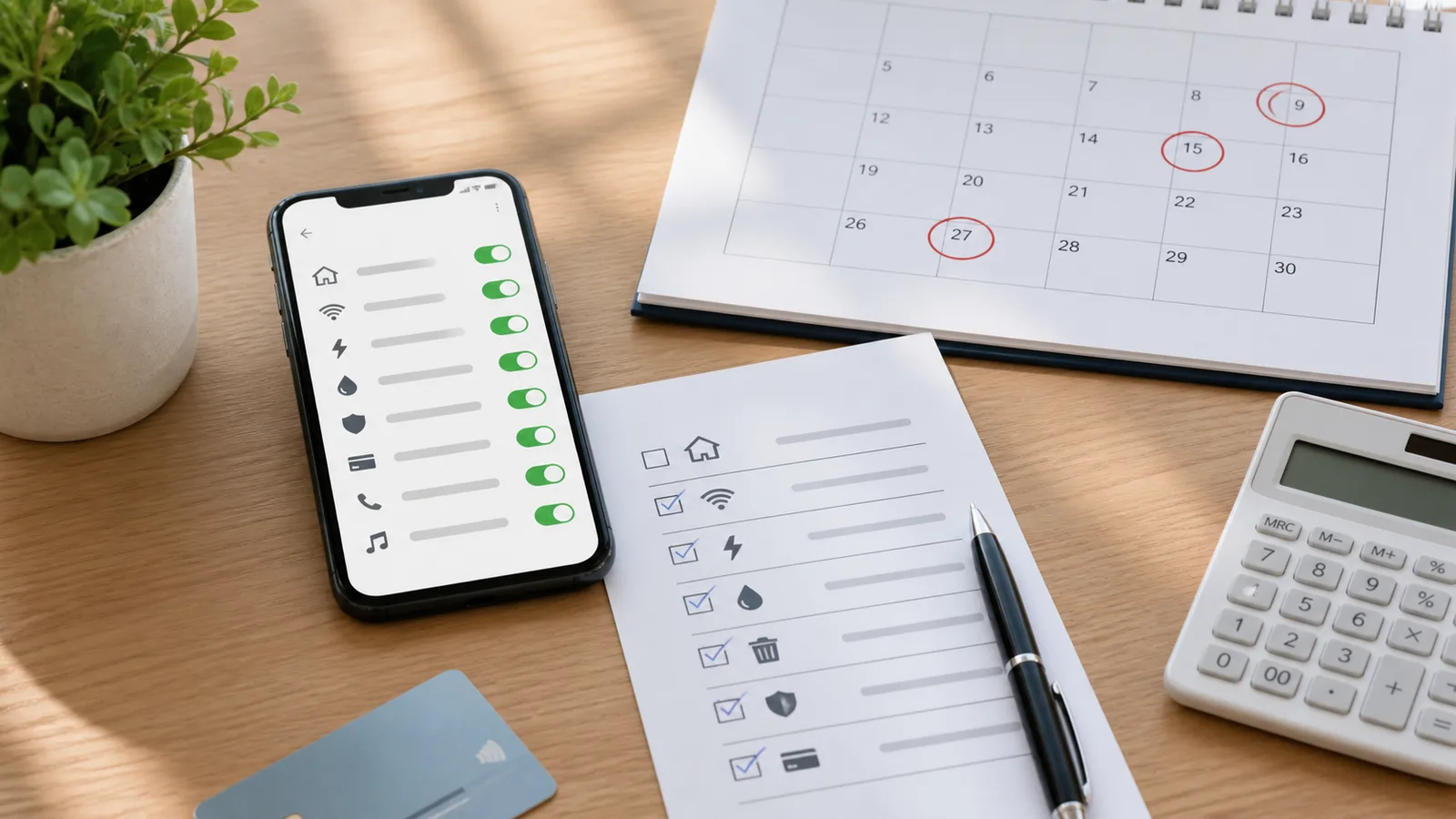
Mark every automatic payment on a simple calendar. Then mark income dates. Look for:
- Bill clusters in the same week
- Large payments right before payday
- Annual renewals that land in expensive months
- Credit card autopays scheduled before cash is ready
- Variable bills that arrive without enough buffer
If the timing is awkward, contact the provider and ask whether the due date can be changed. Not every company allows it, and some changes take a billing cycle to start. Still, asking early is better than discovering the problem after the payment fails.
When due dates cannot move, build the budget around the timing. Hold cash back before heavy bill weeks, lower flexible spending before the cluster, or create a small checking buffer for the account that handles autopay.
Decide what should stay automatic
Autopay works best for bills that are important, predictable, and easy to verify.
Good autopay candidates often include:
- Fixed bills that must be paid on time
- Minimum debt payments you never want to miss
- Insurance premiums
- Phone, internet, and utility bills with clear statements
- Regular savings transfers you can afford
Autopay needs more caution when the amount changes often, the service is easy to forget, or the payment creates new debt. That does not mean it must be manual. It means you should add a review step.
For variable bills, keep the statement notification on and review the amount before the payment date. For credit cards, know whether autopay is set to the minimum, statement balance, full current balance, or a fixed amount. Those settings can have very different effects on cash flow.
Automatic payments should reduce late fees and mental load. They should not become a way for spending to continue without attention.
Cancel, pause, or downgrade what no longer earns its spot
After the essentials are clear, review the optional payments. This is where an autopay audit can quickly free up room in the budget.
Ask these questions for each optional payment:
- Did I use this in the last 30 days?
- Would I sign up for it again today at the same price?
- Is there a lower tier that fits how I actually use it?
- Is another household member already paying for a similar service?
- Does this payment support a real priority or just avoid a cancellation task?
Choose one action:
- Keep it because it is useful and affordable.
- Downgrade it because the current plan is more than you need.
- Pause it because you are unsure.
- Cancel it because the money has a better job.
- Move it to a different date or payment account.
If canceling feels annoying, set a timer and handle one service at a time. The budget benefit does not require a perfect cleanup. Even two or three removed charges can make the next month feel less crowded.
Add renewal reminders for annual bills
Annual renewals are easy to miss because they do not show up in a normal monthly scan. They can also be large enough to disrupt a budget that was otherwise working.
Create a renewal note for:
- Insurance policies
- Annual software plans
- Memberships
- Professional fees
- Domain names or website tools
- Storage plans
- School, activity, or hobby fees
Set a reminder a few weeks before each renewal. The reminder should give you enough time to compare options, cancel, downgrade, or save the amount before the charge arrives.
If the annual bill is worth keeping, divide it by twelve and treat that amount like a small monthly sinking fund. This keeps a once-a-year payment from feeling like a surprise.
Build a monthly autopay review habit
An autopay audit does not need to become a new chore. After the first cleanup, a short monthly review is enough for most budgets.
Use this quick routine:
- Scan last month’s automatic payments.
- Confirm each charge still belongs.
- Check next month’s large or annual renewals.
- Make sure payment cards and accounts are current.
- Compare due dates with payday.
- Adjust one thing that would make the next month calmer.
Keep the review short. Ten minutes is better than a complicated system you avoid. The point is to keep automatic payments helpful instead of invisible.
Autopay is a tool, not a budget by itself. It can protect due dates, reduce missed payments, and lower the number of money decisions you need to make each week. It can also hide clutter when you stop looking.
Start with a complete list, check the account and timing, keep the bills that deserve automation, and remove the payments that no longer fit. One autopay audit can make the next month easier before it even starts.