Financial paperwork has a way of hiding until the exact moment you need it. A bill needs checking, an insurance claim asks for proof, a subscription renewal looks unfamiliar, or a tax-season question sends you searching through emails, drawers, and screenshots.
A financial document organizer is a simple home for the money records you return to most often. It does not need to be fancy. It needs to make important details easy to find, easy to review, and hard to lose.
The goal is not to keep every receipt forever or build a complicated filing system. The goal is to know where your useful financial information lives.
Start with the documents you actually use
Begin with the records that already cause friction. If you have ever delayed a money task because you could not find a number, account detail, policy page, receipt, or due date, that item belongs in your organizer.
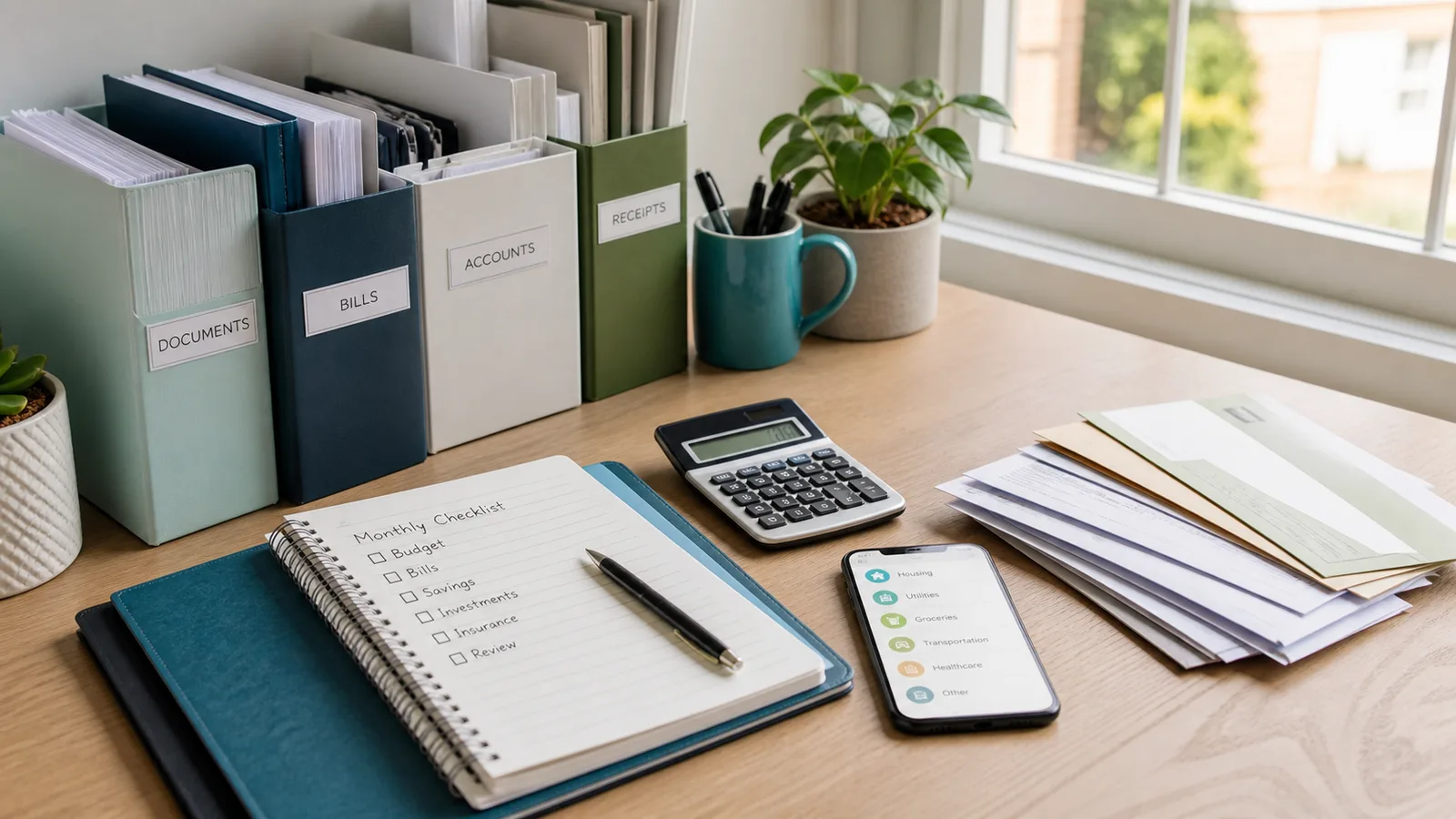
Useful categories include:
- Current bills and payment notices
- Bank and card account notes
- Loan or repayment details
- Insurance policies and claim information
- Rent, mortgage, or housing documents
- Major purchase receipts and warranties
- Tax-related forms and donation receipts
- Subscription renewal confirmations
- Reimbursement records
Do not start by sorting your entire financial life. Start with the documents tied to current decisions. Old records can be handled later in a separate cleanup session.
Choose one place for active records
Most people need two storage places: one for active records and one for older archive records. Active records are the items you may need this month or this quarter. Archive records are items you rarely touch but still may need to retain.
Your active organizer might be:
- A labeled folder on your computer
- A cloud folder with clear names
- A paper folder or binder near your desk
- A notes app section for account details and bill notes
- A mix of digital and paper, as long as the categories match
The best system is the one you will actually return to. If you naturally handle bills on your phone, a digital folder may be easier. If official letters arrive by mail and you forget to scan them, a paper inbox may be the better first step.
Avoid spreading active documents across too many places. If a receipt is in email, a photo app, a download folder, and a drawer, you have storage but not organization.
Use plain category names
Clear labels matter more than perfect labels. A financial document organizer should make sense when you are tired, rushed, or trying to solve a problem quickly.
Use names such as:
- Bills to review
- Paid bills
- Insurance
- Housing
- Taxes
- Debt and loans
- Major receipts
- Work reimbursements
- Account notes
- Canceled services
If you use Furt Money to review expense categories, try to keep your document labels close to the spending categories you already understand. For example, if your tracker separates housing, utilities, transport, and healthcare, your document organizer can use similar language. That makes it easier to connect a transaction with the proof behind it.
Do not create a separate folder for every company unless you truly need that level of detail. Too many labels can make filing slower, which means the system is less likely to survive normal life.
Name files so future you can search
Digital organization becomes much easier when filenames are searchable. A file called scan_4829.pdf may be technically saved, but it is not easy to find. Rename important files with the date, provider, and purpose.
A simple format is:
2026-08-provider-purpose.pdf
Examples:
2026-08-electric-bill.pdf2026-08-rent-receipt.pdf2026-07-car-insurance-policy.pdf2026-06-laptop-warranty.pdf2026-04-medical-reimbursement.pdf
Use the format consistently, but do not let naming become the whole project. If you have a backlog, rename only the documents you are likely to need again. New documents can follow the naming rule from today onward.
Keep a short account note
Some financial information does not belong in a receipt or statement. You may need a quick note for where to find an account, what a payment is for, when a renewal happens, or why a bill is unusual.
Create one account note or spreadsheet with non-sensitive reminders such as:
- Account or service name
- What it is used for
- Billing cycle or renewal month
- Payment method
- Support contact or portal link
- Cancellation or notice deadline
- Notes about shared expenses
Do not store passwords, full card numbers, or identity documents in an ordinary note. Use a reputable password manager for sensitive login details and follow the security practices that fit your bank, employer, and local rules.
The account note is there to reduce confusion, not to become a risky duplicate of private information.
Create an inbox for unsorted money papers
Even a good system needs a place for new items before they are sorted. Without an inbox, documents tend to land wherever life is happening: a kitchen counter, downloads folder, email attachment, message thread, or backpack pocket.
Set up one simple inbox:
- A physical tray for mail, receipts, and forms
- A phone album for receipts waiting to be filed
- A downloads folder you clear weekly
- An email label for finance items to review
Then give the inbox a rule: it gets cleared during your weekly or monthly money review. You do not need to file every item the moment it arrives. You only need a trusted holding place so documents do not disappear.
When you clear the inbox, decide quickly:
- File it because you may need it.
- Act on it because it requires a payment, claim, cancellation, or question.
- Delete or shred it because it is not useful.
- Move it to archive because it is old but should be retained.
Review retention before you throw things away
Some records can be deleted quickly. Others may need to be kept for tax, insurance, employment, housing, warranty, loan, or legal reasons. The right retention period depends on the document type and your local rules, so avoid guessing when the document matters.
Before discarding important records, check the guidance from the relevant tax authority, insurer, employer, lender, landlord, or qualified professional. For ordinary household clutter, you can still reduce the pile without risky decisions.
Low-risk cleanup candidates often include:
- Duplicate copies
- Old envelopes
- Marketing inserts
- Receipts for small items you cannot return and do not need to claim
- Expired quotes you did not accept
- Downloaded statements you can still access securely online
For sensitive paper documents, shred rather than toss. For sensitive digital files, delete them carefully from the places they were copied, not only from the folder you can see.
Make it part of your money routine
A financial document organizer works best when it is connected to a routine you already have. Add a short filing step to your weekly money review, payday checklist, or monthly budget reset.
The routine can be simple:
- Clear the finance inbox.
- File any bill, policy, receipt, or reimbursement record worth keeping.
- Rename important downloads.
- Check whether any document needs action.
- Move old items out of the active folder.
- Update the account note when a service changes.
This turns organization from a one-time cleanup into a low-effort habit. You spend a few minutes keeping the system current instead of losing an afternoon when something urgent comes up.
Give your money records a home
You do not need a perfect filing system to feel more in control. You need a few clear categories, one active storage place, searchable names, and a regular inbox cleanup.
Start with the next document that crosses your desk or lands in your inbox. File it in the right place, name it clearly, and note any action it needs. One small record handled well is how a reliable financial document organizer begins.