Digital wallets make spending easier. That is the point. A coffee takes one tap, a rideshare charges in the background, a friend sends a payment request, and an app renews without asking you to pull out a card.
The problem is not the technology. The problem is that easy payments can make money feel less concrete. When purchases move through phones, watches, saved cards, payment apps, and bank transfers, a normal budget can lose track of what actually happened.
A digital wallet budget gives those payments a clear place to land. It helps you see tap-to-pay spending, small app purchases, peer-to-peer transfers, and card charges as part of the same plan instead of scattered details you only notice after the balance feels wrong.
Why digital wallet spending gets blurry
Cash leaves your hand. A physical card at least creates a small pause. A digital wallet can be so smooth that the purchase barely registers. That speed is useful when you are commuting, buying groceries, or splitting dinner. It is less useful when every small decision feels separate from the monthly budget.
Digital wallet spending often gets blurry for a few reasons:
- The same card may be used through a phone, watch, browser, app, and physical wallet.
- Payment apps can mix reimbursements, gifts, shared bills, and personal spending.
- Pending charges may change before they settle.
- Small purchases can feel too minor to categorize.
- Receipts may live in email, text messages, apps, or nowhere at all.
When the trail is scattered, it is easy to underestimate flexible spending. You may remember the big bill but forget the five quick taps that happened around it.
List every place money can leave from
Start by making a simple map of your payment paths. You do not need a complex system. You need one honest list.
Include:
- Cards saved in your phone or watch
- Cards saved in shopping, delivery, transport, and travel apps
- Browser autofill cards
- Peer-to-peer payment apps
- Bank transfer shortcuts
- Store wallets, prepaid balances, and gift card balances
- Subscriptions charged through app stores
Next to each item, write the account or card it pulls from. This step often reveals why tracking feels messy. You may discover that groceries charge to one card, delivery apps charge to another, transit comes from a wallet balance, and friend reimbursements sit in a payment app instead of returning to checking.
If you use Furt Money to review expenses, this map can help you clean up categories. The goal is not to track the device. The goal is to track the purpose of the spending.
Choose default categories before you tap
A digital wallet budget works better when common purchases have default categories. That way, you are not making a fresh decision every time a small charge appears.
For example:
- Coffee shop charges go to dining out.
- Ride-hailing and transit reloads go to transport.
- Delivery fees go to dining out or convenience, not groceries.
- App store purchases go to subscriptions, entertainment, or tools.
- Pharmacy charges go to health unless the receipt says otherwise.
- Money sent to a friend goes to the category that matches the reason.
This matters because payment method is not a useful budget category by itself. “Digital wallet” tells you how you paid. It does not tell you why the money left.
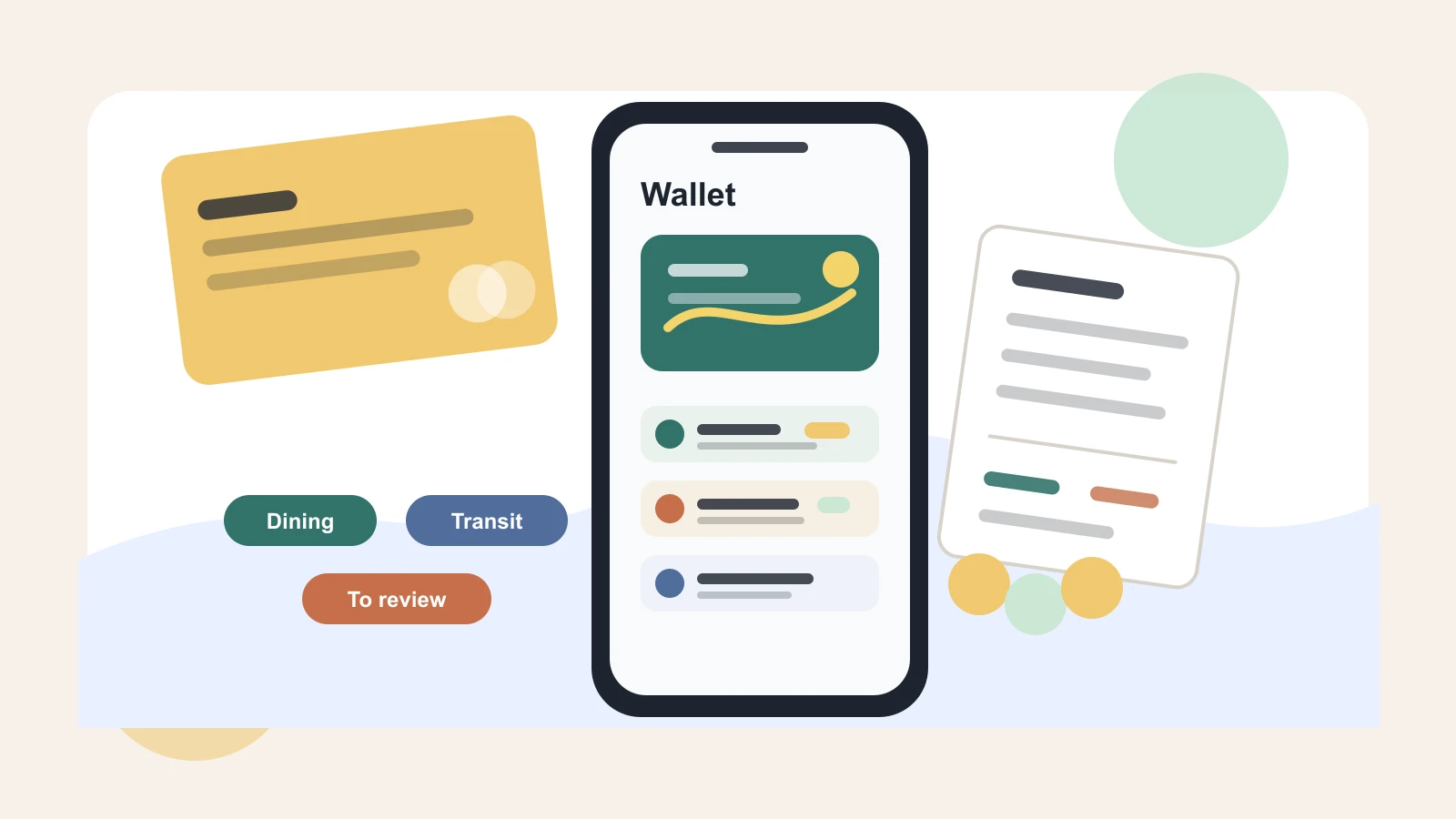
If a charge is hard to classify, use a temporary “to review” category and clear it once or twice a week. Do not let that category become a hiding place. It should be a short waiting room, not a permanent label.
Separate transfers from spending
Payment apps can make a budget look more confusing than it really is. A transfer to a friend might be your share of dinner. A transfer from a friend might be reimbursement for tickets you bought. A wallet cash-out might simply move money back to your bank.
Treat these differently:
- Personal purchases are spending.
- Reimbursements reduce the category they belong to.
- Transfers between your own accounts are not income or spending.
- Shared bills should be connected to the original category.
- Gifts or support should be labeled clearly so they do not distort daily spending.
Here is a simple example. You buy dinner for 60 and a friend sends you 30 later. If you record the full 60 as dining out and the 30 as income, both numbers can become misleading. A clearer view is 30 of net dining out for your share, with a note that the rest was reimbursed.
The same idea applies to household costs, travel bookings, event tickets, and group gifts. The budget should show your real cost, not every temporary movement of money.
Build a twice-a-week wallet review
Digital wallet spending does not need daily attention, but it should not wait until the end of the month. A short review twice a week is often enough.
Pick two repeatable moments, such as Wednesday evening and Sunday morning. During the review:
- Check recent card and wallet activity.
- Categorize anything missing or unclear.
- Match payment app transfers with the reason they happened.
- Confirm pending charges that changed after settlement.
- Move reimbursements back to the right category.
- Notice any app, delivery, shopping, or transport pattern that is growing.
Keep the review small. Ten minutes is plenty if you do it regularly. The purpose is to keep the budget current while the purchases are still easy to remember.
Add friction where spending is too easy
You do not have to make every digital payment harder. Focus on the places where speed leads to regret.
Try one or two friction rules:
- Remove a saved card from one shopping app that encourages impulse buying.
- Keep only one default card in your digital wallet.
- Turn off one-click checkout where you tend to browse when tired.
- Set a weekly limit for delivery, rides, or app purchases.
- Use a note on your phone for purchases you want to delay by 24 hours.
- Move nonessential apps off your home screen.
Friction is not punishment. It is a pause. A good pause gives you enough time to ask, “Do I still want this when I can see the rest of my budget?”
If the purchase still fits, make it without guilt. The goal is intentional spending, not avoiding every convenience.
Watch for tiny charges with recurring behavior
Digital wallet budgets are especially useful for small repeating charges. A single app purchase, transit top-up, delivery fee, or in-game upgrade may not matter much. A pattern can.
Look for:
- The same merchant appearing every few days
- Small charges that happen when you are stressed, rushed, or bored
- Wallet balances that need frequent top-ups
- Free trials that turned into paid renewals
- Delivery fees that cost more than the food plan expected
- Convenience purchases that replace groceries or planned errands
When you spot a pattern, do not only cut. Ask what need the spending is solving. If delivery keeps replacing dinner because weeknights are overloaded, the budget problem may be meal planning, not discipline. If rideshares keep replacing transit, the issue may be schedule pressure or safety.
Better information leads to better fixes.
Make the budget reflect real life
A digital wallet budget should make spending visible without making life annoying. If you use your phone to pay for normal purchases, the budget should accept that. The job is to keep the categories clear, the transfers honest, and the review frequent enough that small charges do not disappear.
Start with one step: list every card, app, and wallet balance that can move money. Then choose default categories for your most common tap-to-pay purchases. Once the path and category are clear, the rest of the budget becomes easier to trust.
Digital payments can stay convenient. They just need to stop being invisible.